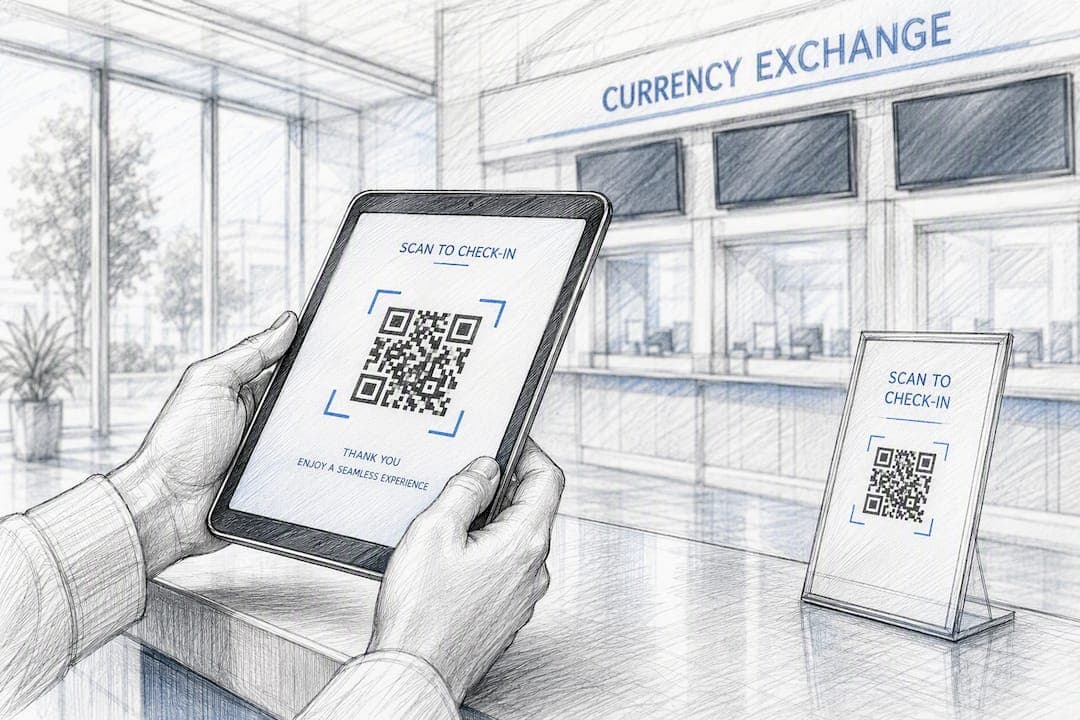
Reduce queue times at your exchange counter by combining virtual queuing, transaction triage, and staffing matched to actual demand. Those three levers move faster than any lobby renovation or hiring push, and they work together. virtual queuing pulls people out of the physical line, triage keeps a single complex transaction from stalling four windows, and demand-matched staffing puts the right number of tellers on the floor before the rush hits, not after.
Start with this checklist today:
- Turn on mobile check-in or a virtual queue token for walk-ins.
- Split intake into "quick exchange" and "complex/documentation" lanes.
- Pull last month's footfall data and map it against your current shift schedule.
- Post a visible wait-time estimate at the door or on a screen.
- Train one staffer to triage arrivals instead of first-come, first-served.
Each item attacks a different failure point: crowding, blocked lanes, understaffed peaks, and the anxiety customers feel when they can't see progress. Fix those four, and most counters see real movement within a week.
Key Takeaways
Cutting queue time at an exchange counter comes down to routing customers correctly, staffing to real demand, and giving people visibility into their wait.
| Point | Details |
|---|---|
| Triage first | Sort quick exchanges from documentation-heavy transactions at intake to stop one case from blocking the line. |
| Staff to the hour | Use transactions-per-hour-per-teller data to schedule peak windows instead of a flat daily headcount. |
| Add visibility | Post real-time wait estimates and use floor decals or signage so customers see progress, not just a line. |
| Pilot before scaling | Test changes at one representative branch for 4 to 6 weeks with clear KPIs before a full rollout. |
| Use Currexchanger for the data layer | Currexchanger connects queue tokens, appointments, and analytics to existing transaction and compliance systems for continuous monitoring. |
Table of Contents
- Which Tactics Cut Queue Time Fastest?
- What Technology Actually Cuts Wait Times at the Counter?
- How Do You Restructure Staffing and Transactions to Move Faster?
- Does Layout and Signage Actually Reduce Wait Time?
- How Do You Calculate and Benchmark Queue Performance?
- How Do You Build a Business Case and Pilot the Changes?
- Does the Research Actually Support Self-Service and Digital Queuing?
- What Actually Moves the Needle in Exchange Counters?
- How Currexchanger Helps You Run a Queue-Reduction Pilot
- Sources
- FAQ
Which Tactics Cut Queue Time Fastest?
Not every fix pays off at the same speed. Some tactics need a vendor contract and a rollout plan; others just need a manager willing to change how the floor runs tomorrow morning.
Ranked roughly by speed of impact against effort required:
- Transaction triage at intake — internal process change, works within days.
- Demand-matched staffing schedules — internal, needs a week of data review.
- Express lane for simple conversions — mostly internal, minor signage cost.
- Virtual queuing / mobile check-in — requires software integration, 2 to 6 weeks to deploy.
- Appointment booking for large or complex exchanges — vendor integration, moderate setup.
- Self-service kiosks — vendor integration plus hardware, longest lead time.
- People-counting analytics — vendor integration, pays off over months as forecasting improves.
The first three cost almost nothing and can be tested this week. The last three require a vendor relationship like Currexchanger, but they compound the gains from the internal fixes instead of replacing them.
What Technology Actually Cuts Wait Times at the Counter?
Software alone won't fix a badly staffed floor, but the right tools remove the guesswork that causes most delays. Virtual queuing, appointment booking, and mobile check-in let customers claim a spot without physically standing in line, which directly reduces the crowding that makes small counters feel chaotic during peak hours. Case-based reporting on bank queue management shows branches that adopted digital check-in saw lower lobby density and better conversion once customers weren't abandoning the line out of frustration.
People counters and footfall analytics solve a different problem: they tell you when the crowd shows up, not just how big it gets. A counter near a train station or airport terminal has predictable spikes tied to arrival schedules, and a manager who can see that pattern in a dashboard can staff for it instead of reacting to it.
Self-service kiosks work best for the transactions that don't need a human judgment call: standard currency conversion under a set threshold, rate lookups, and receipt reprints. Keep anything involving large sums, unusual currencies, or compliance flags at a staffed window.
Before you sign anything, run through an integration checklist:
- Confirm the vendor supports an API connection to your existing accounting and payments stack.
- Verify AML/KYC connectors work with your current compliance provider, not a replacement.
- Check that analytics data exports in a format your reporting team can actually use.
- Ask whether the queuing system syncs with staff schedules for accurate wait-time math, a feature hybrid queue platforms increasingly build in by default.
- Test document verification and banknote-checking integrations in a sandbox before go-live.
Pro Tip: Before you commit to a full rollout, confirm the vendor's system can talk to your compliance and accounting tools without custom middleware. A queue tool that can't sync with your back office just creates a second data set nobody trusts.
Line management platforms that reduce this kind of manual coordination are the ones vendor analyses consistently point to for the biggest reduction in average wait times.
How Do You Restructure Staffing and Transactions to Move Faster?
Most queue problems aren't a technology gap. They're a routing problem: every customer, regardless of what they need, gets treated as the same job.
Segmenting transactions at intake fixes that immediately. A customer converting $200 in Euros to U.S. dollars doesn't need the same window as someone exchanging a large sum with document verification requirements. Route the first group to a quick-exchange lane and the second to a dedicated window with a teller trained for compliance checks. This kind of intake triage, common in high-footfall service settings, keeps one slow transaction from backing up an entire line.
Staffing rules of thumb help you plan for peak windows instead of guessing:
- Pull your busiest hour from the last 30 days of transaction logs.
- Divide total transactions in that hour by the number of active tellers to get your current transactions-per-hour-per-CSR rate.
- Compare that rate against your target (most counters aim for 12 to 20 straightforward exchanges per hour per teller, fewer if documentation is involved).
- Add a teller to the schedule for any hour where the ratio falls below target, even for a two-hour block.
Standardizing the steps behind common transactions also shaves real time off handle rates. If every teller follows a different sequence for ID verification, rate confirmation, and receipt printing, some transactions take twice as long as they should for no good reason. Write down the fastest correct sequence and train to it.
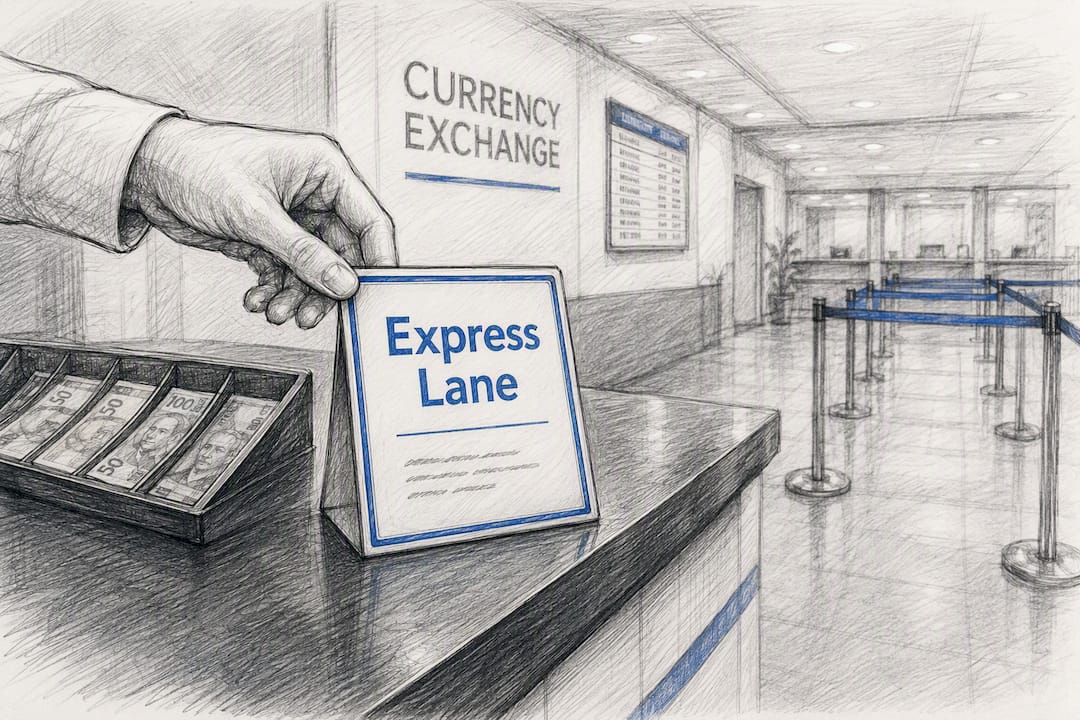
Faster lanes work when the criteria are visible and enforced: cash-only, under a set amount, no document checks. Post the criteria on a sign, staff it during known peak windows, and let a floor lead reassign tellers dynamically as the mix of quick versus complex transactions shifts through the day. A shift management tool built for this kind of dynamic reassignment keeps the reassignment from becoming a manual scramble every time volume spikes.
Does Layout and Signage Actually Reduce Wait Time?
Yes, and it costs almost nothing compared to software. A counter where customers can't see how many people are ahead of them, or don't know which window serves their transaction type, creates frustration that has little to do with the actual clock. Behavioral research on waiting behavior found that uncertainty about progress annoys customers more than the wait itself, which means visibility is its own queue-reduction tool.
A few layout fixes matter more than most managers assume:
- Keep sightlines open from the entrance to every active window so arriving customers can see line length before committing to it.
- Post estimated wait time near the door, updated in real time if your system supports it.
- Use floor decals to mark lane starts for express versus full-service windows.
- Add a dedicated express window sign visible from the street, not just inside the lobby.
- Use digital boards or simple counter lights to signal which window is open next.
Pro Tip: A $40 floor decal marking "Quick Exchange Starts Here" often does more for perceived wait than a $4,000 digital sign nobody reads.
How Do You Calculate and Benchmark Queue Performance?
You can't shorten what you don't measure. Five metrics matter most at an exchange counter: average wait time, average handle time, queue length, abandonment rate, and transactions per hour per teller.
Average waiting time is calculated by dividing total customer wait time across a shift by the number of customers served. If 40 customers wait a combined 200 minutes, your average wait is 5 minutes. Queue length at any moment is simply the count of people waiting, but tracked over a day it reveals your true peak windows better than gut instinct does.
Benchmark to aim for: Best-in-class financial-service locations target average in-branch queue times under 2 minutes, using handle-time and transactions-per-hour data to size staffing before problems show up on the floor.
A branch with heavy foot traffic near a border crossing or airport won't hit a 2-minute average with the same staffing model as a quiet neighborhood office. Adjust your target based on footfall volume, not a flat industry number.
| KPI | How to Calculate | Why It Matters |
|---|---|---|
| Average wait time | Total wait minutes ÷ customers served | Direct measure of customer experience |
| Average handle time | Total transaction minutes ÷ transactions | Shows where process delays live |
| Queue length | Count of waiting customers at a snapshot | Flags real-time staffing gaps |
| Abandonment rate | Customers who leave ÷ total arrivals | Reveals lost revenue from long waits |
| Transactions per hour per teller | Transactions ÷ active tellers ÷ hours | Sets fair staffing benchmarks |
A queue management system built for exchange operators can generate most of these numbers automatically, which matters because manual tracking during a busy shift is exactly when data quality falls apart.
How Do You Build a Business Case and Pilot the Changes?
Leadership rarely approves a queue overhaul on faith. Build a pilot, then bring numbers.
- Pick one branch with representative footfall, not your quietest or busiest location.
- Set a 4 to 6 week timeframe, long enough to capture normal weekly patterns.
- Define success metrics up front: target average wait time, target abandonment rate, transactions per hour.
- Train staff on triage and any new software before day one, not during week one.
- Run the pilot, then compare week 1 against week 4 to see whether gains hold or fade.
A simple ROI case looks like this: if your pilot branch cuts abandonment by even a few percentage points, each recovered customer represents a completed transaction that would have walked out the door. Pair that with faster throughput, meaning more transactions fit into the same staffed hours, and the payback on a queuing platform or a schedule change becomes easy to show in a single spreadsheet.
A/B testing works well here: run the new process at your pilot branch while a comparable branch keeps its current setup, then compare the same KPIs across both over the same weeks.
Pro Tip: Choose a pilot branch with stable, predictable traffic, not one going through a renovation or seasonal spike. Clean data beats a dramatic before-and-after story that won't repeat elsewhere.
For a deeper look at scaling what works past a single branch, see this guide on scaling currency exchange operations.
Does the Research Actually Support Self-Service and Digital Queuing?
The pattern holds across multiple field reports: moving routine work off the counter and giving customers visibility into their place in line reduces both real and perceived wait. Case narratives on bank queue management describe branches cutting lobby crowding meaningfully after adopting digital check-in and appointment scheduling, with customer satisfaction improving alongside throughput.
A Qminder case study involving currency exchange operator Tavex found that deploying a queue management system helped the operator recognize peak times and optimize staff allocation, turning guesswork into a visible pattern the team could plan around.
The implementation detail that matters: none of this works if the branch doesn't also change how it routes transactions. Software surfaces the data; staff and process still have to act on it.
What Actually Moves the Needle in Exchange Counters?
Branch managers tend to overinvest in signage and underinvest in triage. A sign telling customers their wait is "10 minutes" doesn't fix anything if the line behind window three is stuck because one customer needs three forms of ID. The fix that consistently works is boring: sort transactions before anyone sits down, and staff to the hour, not the day. Software makes that sorting easier to sustain, but the habit has to come first.
How Currexchanger Helps You Run a Queue-Reduction Pilot
Currexchanger gives currency exchange operators a single system that supports appointment booking, digital queue tokens, and real-time footfall analytics, so the tactics covered above don't live in three disconnected tools.

The platform ties queue and appointment data to your existing transaction records, so a triage change or a new express lane shows up in your reporting immediately instead of getting buried in a spreadsheet a manager updates once a week. Built-in API connections to accounting, payments, and AML/KYC providers mean a pilot doesn't stall waiting on custom integration work, and multi-factor authentication plus activity logging keep compliance intact while you test new floor processes. The system scales from a single office to a full branch network, so a successful pilot at one counter can roll out without rebuilding the setup from scratch.
If you're planning a pilot along the lines described above, start with a demo focused on your branch's actual footfall data and current staffing model. Book a Currexchanger demo to see how appointment scheduling and analytics would map onto your specific counter before you commit to a full rollout.
Sources
- Bank Queue Management: How to Reduce Wait Times, Improve Customer Experience, and Increase Branch Efficiency
- How To Reduce Lines in Banks: 12 Key Techniques, Tips, and Tools | FMSI
- Financial Services Productivity Benchmarks For Optimal Shift Management
- Queue Management in Banks: The Top Trends and Tools to Know
- Tavex Exchange Retail Queue Managementa
- What you hate about waiting in line isn’t the wait at all — Washington Post
FAQ
How Do I Empty a Backed-Up Queue Fast?
Pull one staffer off non-customer-facing work immediately, open a temporary express lane for quick exchanges, and triage the remaining line by transaction complexity so simple cases clear first.
How Do I Solve a Recurring Queue Problem, Not Just a One-Time Backup?
Recurring backups usually trace back to staffing that doesn't match your actual peak-hour footfall data; pull your transaction logs, identify the real peak windows, and adjust shift schedules to match rather than adding permanent headcount.
How Do I Calculate Average Waiting Time in a Queue?
Add up the total wait time across all customers in a shift and divide by the number of customers served. If 40 customers wait a combined 200 minutes, the average wait is 5 minutes.
How Do I Calculate Queue Length?
Queue length is simply a count of customers waiting at a given moment, tracked over a shift or day to reveal peak periods; a people-counting or queue management system can log this automatically for trend analysis.
What Wait Time Should an Exchange Counter Target?
Best-in-class financial-service locations aim for average in-branch queue times under 2 minutes, though the right target depends on your branch's footfall volume and transaction mix.