
Yes, you can build a custom compliance dashboard, and the process follows a fixed sequence: define your users and KPIs, centralize your data, automate ingestion, visualize with role-based views, and govern the whole thing with audit trails. Standards bodies like the EBA publish the taxonomies (XBRL, DPM) your feeds need to speak, and frameworks like NIST inform your access controls. For currency exchange operators running multiple branches, Currexchanger already bundles most of this architecture. It is the fastest starting point for regulated, multi-office reporting.
Key Takeaways
Custom compliance dashboards succeed when teams define role-based KPIs first, centralize data before automating it, and govern thresholds through one parameter table instead of scattered spreadsheets.
| Point | Details |
|---|---|
| Start with users, not charts | Define board, manager, analyst, and auditor views before choosing a single visual layout. |
| Centralize before automating | Land data in one warehouse or data layer before building automated feeds on top of it. |
| Use one parameter table | Keep thresholds and escalation rules in a single source of truth to avoid the spreadsheet problem. |
| Budget for integration, not design | Most build time goes into connecting AML, KYC, and transaction systems, not the visuals. |
| Currexchanger fits multi-branch FX | Its prebuilt AML/KYC connectors and role-based permissions shorten the MVP timeline for currency exchange operators. |
Table of Contents
- What Belongs on a Custom Compliance Dashboard?
- How Do You Build a Compliance Dashboard Step by Step?
- How Do You Design Dashboards for Different Compliance Roles?
- What Security and Audit Controls Does a Compliance Dashboard Need?
- How Do You Keep a Compliance Dashboard Accurate Over Time?
- What Does a Compliance Dashboard Project Cost and How Long Does It Take?
- How Currexchanger Supports Custom Compliance Dashboard Builds
- Get an Audit-Ready Dashboard Without Building It From Scratch
- Useful Resources for Building Compliance Dashboards
- Sources
- FAQ
What Belongs on a Custom Compliance Dashboard?
A dashboard that actually gets used has a short list of KPIs shown the same way every time. Start with a control health score, overdue remediation count, evidence coverage percentage, control test pass rate, policy attestation rate, and open incidents broken out by severity.
Pair each metric with the right widget. KPI cards work for single numbers that need a threshold color (red/amber/green). Trend sparklines catch drift before it becomes a finding. A risk heat map communicates exposure across business lines in one glance. Deadline calendars flag upcoming filings, and drill-down tables let an auditor click from a summary number straight to the underlying transaction or document.
Pro Tip: Set refresh cadence per KPI, not globally. Attestation rates might update weekly; transaction screening alerts need to refresh in near real time.
Roughly a third of build effort on projects like this goes into getting refresh logic and thresholds right, according to implementation guidance from MetricStream, because a dashboard that shows stale numbers loses trust fast, even if the underlying data is accurate.
How Do You Build a Compliance Dashboard Step by Step?
Building the dashboard itself is mechanical once you have committed to a sequence. Skipping steps is where most rebuilds come from.
- Map the compliance universe and owners. List every obligation, control, and regulation in scope, and assign a named owner to each.
- Inventory data sources and evidence. Identify where proof already lives: ticketing systems, spreadsheets, core banking logs, attestation forms.
- Centralize the data. Land everything in a warehouse or data layer instead of pulling live from a dozen systems at query time.
- Define metrics and thresholds. Agree on what "amber" means for each KPI before you build a single chart.
- Build views with row-level security. Design the visual layer so each user role sees only what applies to them.
- Automate ingestion and alerts. Replace manual refresh with scheduled pulls and trigger alerts on threshold breach.
- Validate and document evidence. Confirm every number ties back to a source record an examiner can inspect.
- Deploy and govern. Assign a review cadence, and lock down who can change a threshold.
This sequence mirrors the build methodology MetricStream recommends, and it holds whether you're rolling out to one office or two hundred.
Pro Tip: Store thresholds and escalation rules in a centralized parameter table, separate from your dashboard logic. When a regulator changes a threshold, you update one table instead of hunting through a dozen spreadsheets and dashboard filters that all quietly disagree with each other.

How Do You Design Dashboards for Different Compliance Roles?
The single most common mistake in compliance dashboard design is building one view and expecting it to serve the board, the compliance manager, and the frontline analyst equally well. It never does.
Build three or four persona templates instead:
- Board view: one composite score and its trend line, nothing else.
- Compliance manager view: control status by category and an overdue-items list sorted by risk.
- Analyst view: a live alert queue with links directly into evidence records.
- Auditor view: drill-down tables and full evidence trails, filtered to their scope.
Apply progressive disclosure: summary first, drill-down second, raw evidence last. Enforce row-level security so a branch manager never sees another branch's case files, and keep color and threshold rules identical across every view so nobody has to relearn what "red" means.
What Security and Audit Controls Does a Compliance Dashboard Need?
Regulators expect to see specific controls when they walk through your reporting stack, not just accurate numbers.
Security baseline:
- Multi-factor authentication for every user
- Role-based permissions enforced through row-level security
- Encryption at rest and in transit
- IP or geographic restrictions for sensitive branches
- Detailed, immutable activity logs
Audit-readiness steps take that further:
- Preserve original source timestamps, never overwrite them on refresh.
- Maintain an evidence library linked directly to each KPI.
- Version every change to your parameter tables.
- Retain historical snapshots so you can reproduce what a report looked like on any given date.
The EBA's reporting time traveller view is a useful model here: it shows exactly which framework version applied on a given date, which is the same discipline you want for your own dashboard history.
How Do You Keep a Compliance Dashboard Accurate Over Time?
A dashboard that was accurate at launch drifts. Metric definitions get reinterpreted, feeds silently break, and nobody notices until an auditor asks a question the numbers can't answer.
- Build unit tests into your ETL jobs, not just the dashboard layer.
- Run reconciliation jobs that compare dashboard totals against source-system totals on a schedule.
- Insert synthetic test records to confirm alerts still fire correctly.
- Track feed error rates, data latency, and reconciliation mismatches as their own metrics.
Pro Tip: Schedule a metric-definition review every quarter and freeze a signed-off snapshot before every audit cycle. That frozen version is what you hand the examiner, not whatever the live dashboard shows that morning.
What Does a Compliance Dashboard Project Cost and How Long Does It Take?
Timelines scale with integration complexity, not with how the charts look. A quick prototype with two or three data sources takes roughly 2 to 4 weeks. A single-division minimum viable dashboard, with real thresholds and role-based views, runs 6 to 12 weeks. A full enterprise rollout with governance, multiple integrations, and audit-ready evidence capture typically takes 3 to 6 months.

The main cost drivers are the number of external systems you're connecting, whether you need real-time streams versus daily batches, custom visualizations, licensed user count, and long-term evidence storage. Start with a prioritized MVP covering your highest-value KPIs, and parameterize thresholds early so scope changes don't mean rebuilding the whole dashboard.
How Currexchanger Supports Custom Compliance Dashboard Builds
Currexchanger was built around the same architecture this guide describes, specifically for currency exchange operators running multiple branches. The platform ships with real-time analytics, customizable dashboards, and centralized parameter tables so you're not rebuilding threshold logic office by office.
Key features that map directly onto the build checklist:
- API integrations with AML/KYC providers and accounting systems for automated evidence capture
- Multi-branch reporting with role-based permissions built in
- Detailed activity logs that support the audit trail requirements described above
- Prebuilt modules for currency exchange operations, which shortens the MVP timeline described earlier
Where a general-purpose BI tool leaves you to build KYC and AML data models from scratch, Currexchanger starts with those connectors already mapped to the currency exchange workflow.
A note from experience building these systems
The biggest recurring mistake is trying to serve every stakeholder with one dashboard. Teams that name a single owner for each metric, and split views by role from day one, significantly reduce time redoing work before an audit.
Get an Audit-Ready Dashboard Without Building It From Scratch
If you've read this far, you know the real cost of a compliance dashboard isn't the charts, it's the months spent wiring together AML feeds, accounting integrations, and role-based permissions from zero. Currexchanger skips that phase for currency exchange operators: the connectors, parameter tables, and multi-branch reporting structure described throughout this guide come built in, not bolted on after a six-month integration sprint.
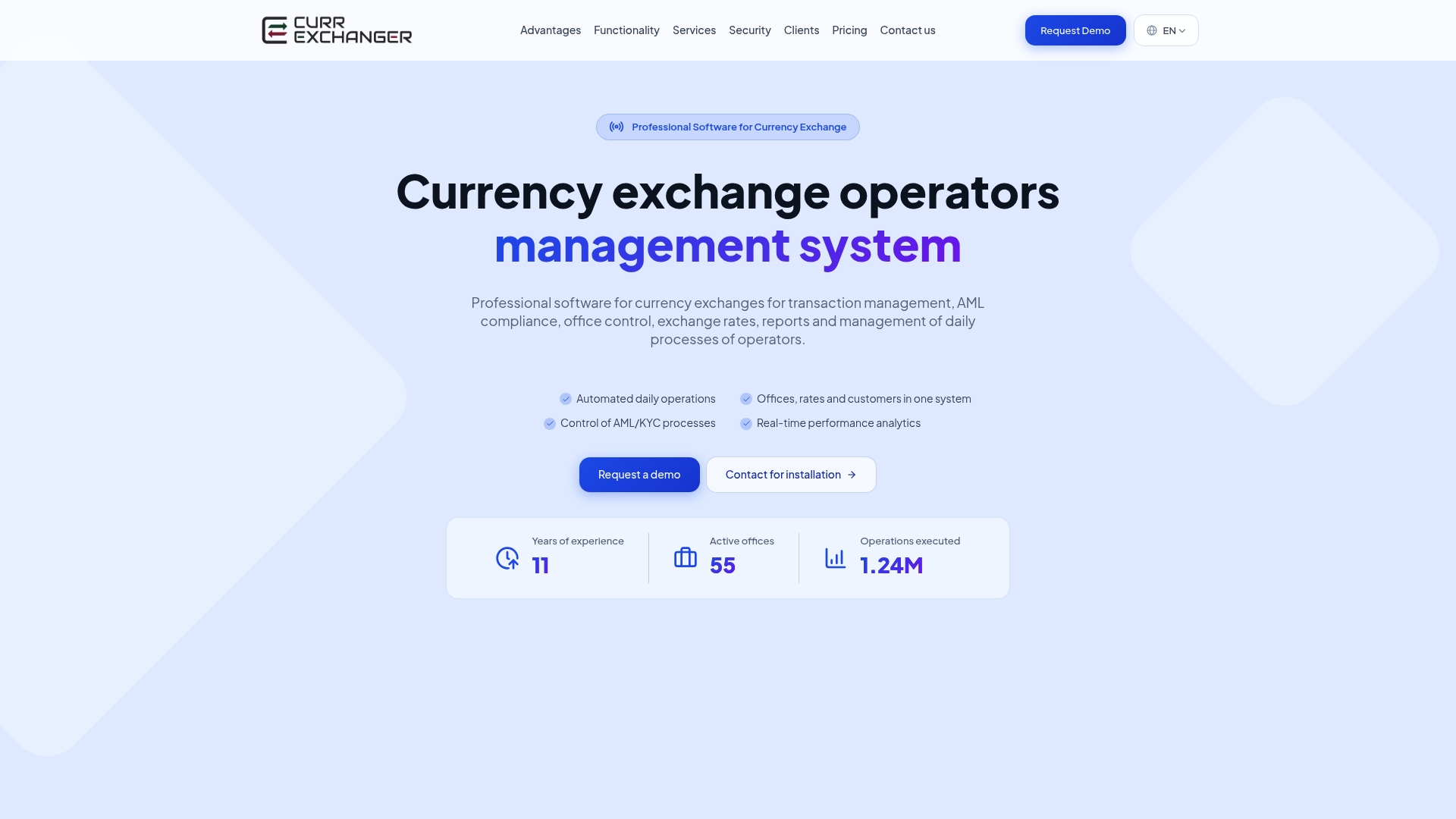
That means a compliance officer at a five-branch network can have a working control health score, evidence library, and role-based views running in weeks instead of quarters, because the AML/KYC and accounting connectors already exist rather than needing custom development. If you're planning a multi-branch rollout, the liquidity tracking guide is a useful companion read for the reporting side of the same problem. To see how your specific branch structure and compliance obligations map onto the platform, request a walkthrough at Currexchanger.
Useful Resources for Building Compliance Dashboards
- EBA reporting frameworks for XBRL/DPM taxonomies and validation rule updates when submitting directly to regulators.
- MetricStream's compliance dashboard guide for the five-step build methodology referenced throughout this article.
- Lycore's real-time dashboard architecture guide for WebSocket versus polling tradeoffs.
- StackGo's AML dashboard breakdown for integration-first design thinking.
- ABT's Power BI compliance guide for parameter table and paginated report patterns.
- Currexchanger's guide to automating regulatory compliance reporting for currency exchange specifics.
- Currexchanger's piece on activity logs in finance compliance for the audit trail side of the build.
This article is general information, not a substitute for advice from a qualified financial advisor. Consult a qualified financial professional about your own circumstances before acting on anything here.
Sources
The hard part of a compliance dashboard is rarely the chart. It's getting disparate systems to agree on the same facts, which is why integration work dominates AML dashboard projects, per StackGo.
Common source types you'll connect:
- Reporting frameworks | EBA
- Real-Time Compliance Risk Dashboard: Build Guide | Lycore
- Compliance dashboard | MetricStream
- Power BI compliance dashboards for financial institutions | ABT
For freshness, change data capture beats polling when you need near real-time alerting, though polling is fine for daily attestation numbers. Whatever pattern you choose, show a source freshness indicator next to each KPI so nobody mistakes a stale feed for current status.
FAQ
How do I create a compliance dashboard?
Define your users and the KPIs each needs, centralize your data sources into one layer, automate ingestion and alerts, then build role-based views with drill-down access to evidence.
How do I create a custom dashboard for compliance reporting?
Start with a parameter table for your thresholds, connect your obligation register and control-testing tools first, then layer visualizations on top once the data feed is reliable and tested.
Can ChatGPT create compliance dashboards?
ChatGPT and similar tools can help draft dashboard mockups, sample metric definitions, or SQL queries, but they can't connect to your live AML, KYC, or transaction systems, so you still need a platform like Currexchanger or a BI tool for the actual build.
What is the five second rule for dashboards?
It's a design principle stating a viewer should grasp the dashboard's main message within five seconds, which is why board-level views should lead with one composite score and trend, not a wall of tables.
How long does it take to build a compliance dashboard?
A basic prototype takes 2 to 4 weeks, a single-division minimum viable dashboard takes 6 to 12 weeks, and a full enterprise rollout with integrations and governance typically runs 3 to 6 months.